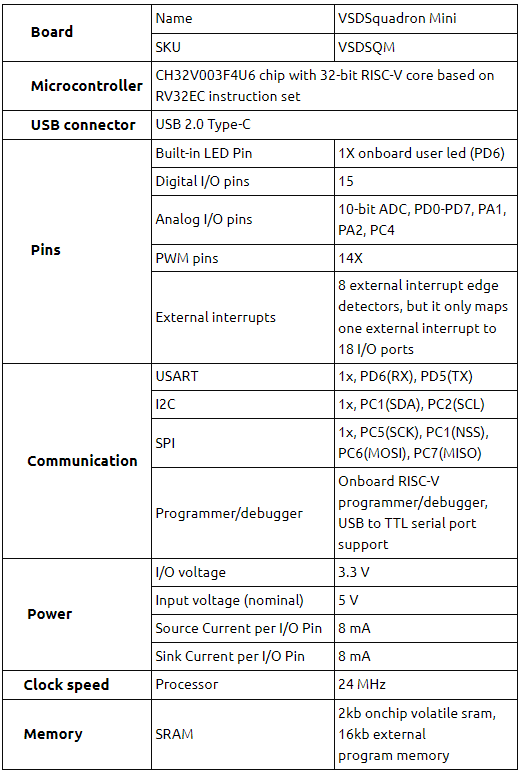
Connect the Type-C end of USB cable to the board as shown in Fig 3 and connect USB to PC. Refer to Installation and Settings for programming the board. Do this step after software installation, which is a time-consuming process
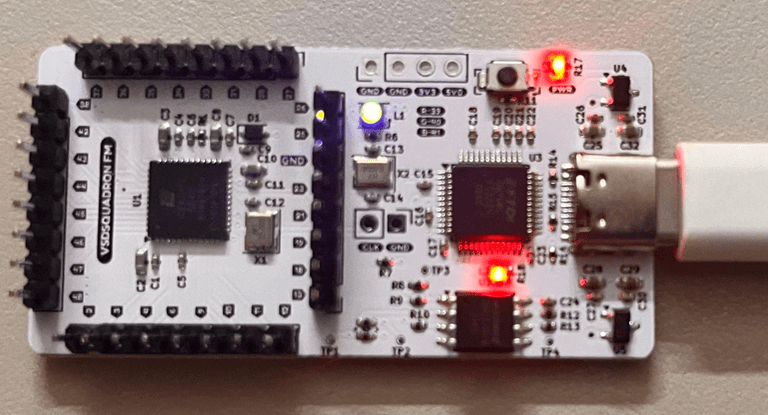
Figure 3: Micro-C end of USB cable connected to board